
How to add Change of Address Tile
USPS Change of Address

Mary Smith
Last Update 5 months ago
A valuable content tile to include in your closing statement page is to include an easy way for your clients to change their address after a purchase.
Use this link to add as a Content Tile in any website you make.
USPS Change of Address Link: https://moversguide.usps.com/mgo/disclaimer
How to add this as a Content Tile:
Step 1 — Go to your Kaydoh dashboard and open the page you want to edit in Edit mode
Step 2 — Navigate to the Video & Content section and click Add Content Tile → Add Website Link
Step 3 — Paste the USPS link: https://moversguide.usps.com/mgo/disclaimer
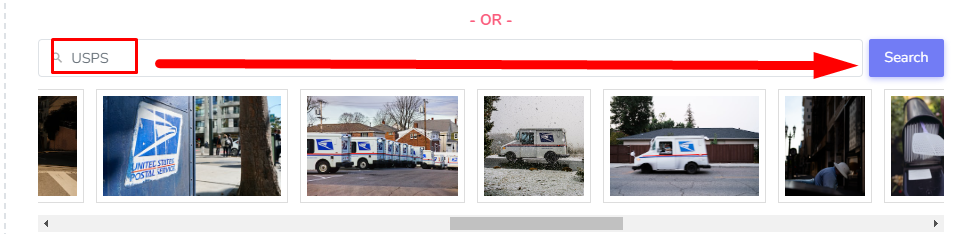
Step 4 — Search for a thumbnail image using the keyword "USPS" and select an appropriate postal image
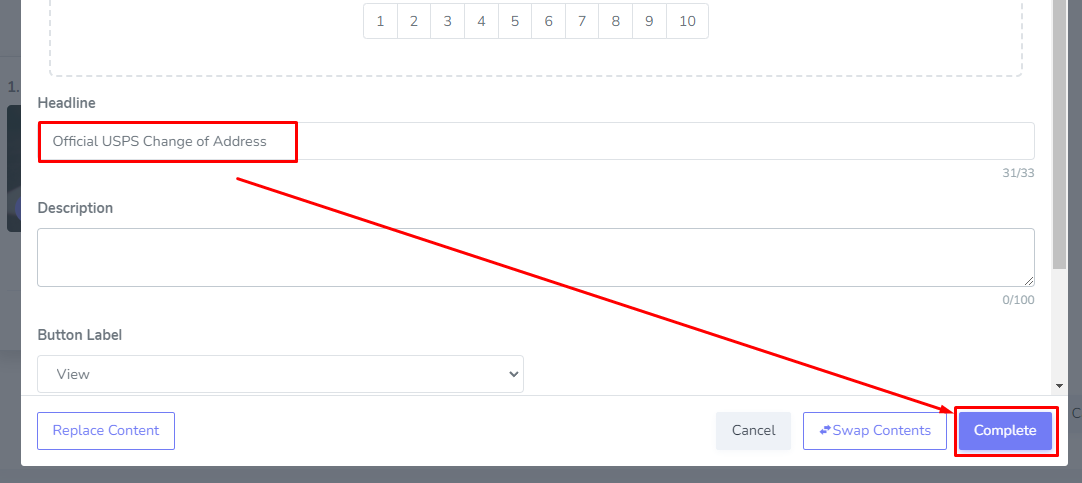
Step 5 — Set the Headline to something clear like "Change Your Address" or "Update Your USPS Address"
Step 6 — Click Complete then Save & Complete to publish your changes
Ideally this goes great with making a Closing Statement Page with Kaydoh, where you include the following 4 tiles:
- Closing Statement
- USPS Change of Address
- Vendor List
- Ask for Google Reviews
See the full Closing Statement setup guide: How to get more referrals using Closing Statements? (In Easy Mode)
Pro Tip
When adding the USPS link into Kaydoh. Choose an appropriate thumbnail and headline.
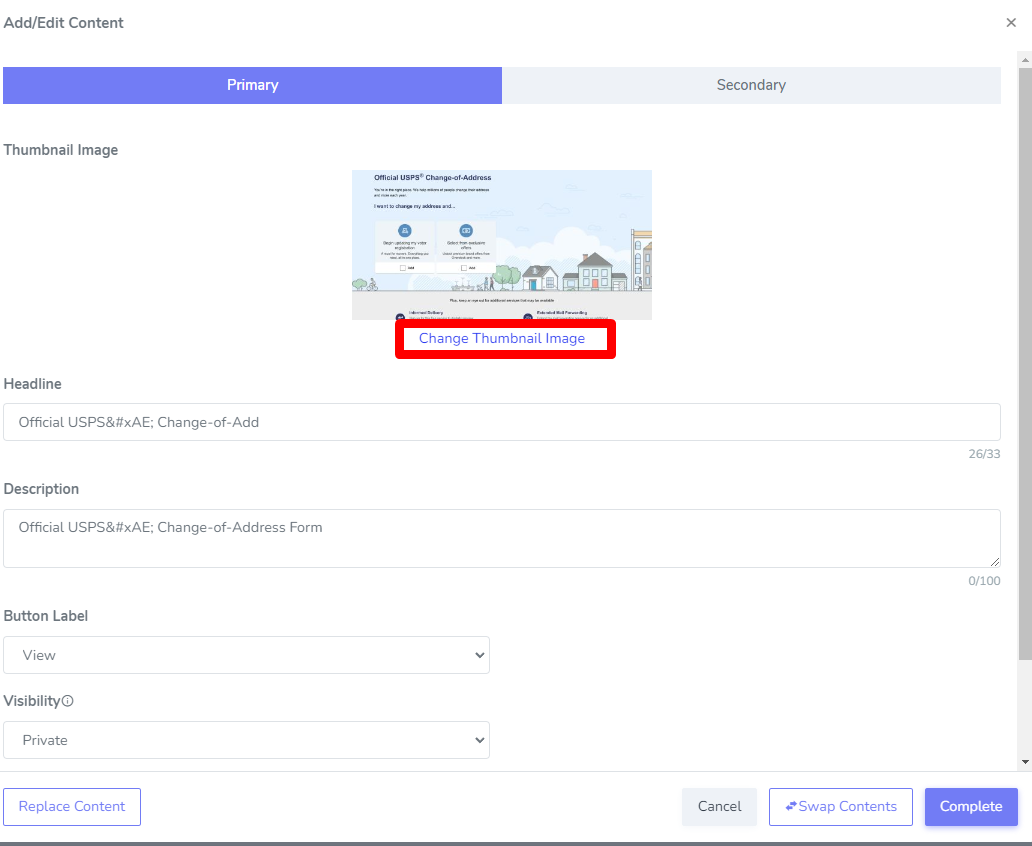
Search for a postal image using keyword, "USPS"
Internal Tags:
How to add USPS Change of Address
Change of Address Link
USPS content tile
How to include Change of Address link
add as a Content Tile